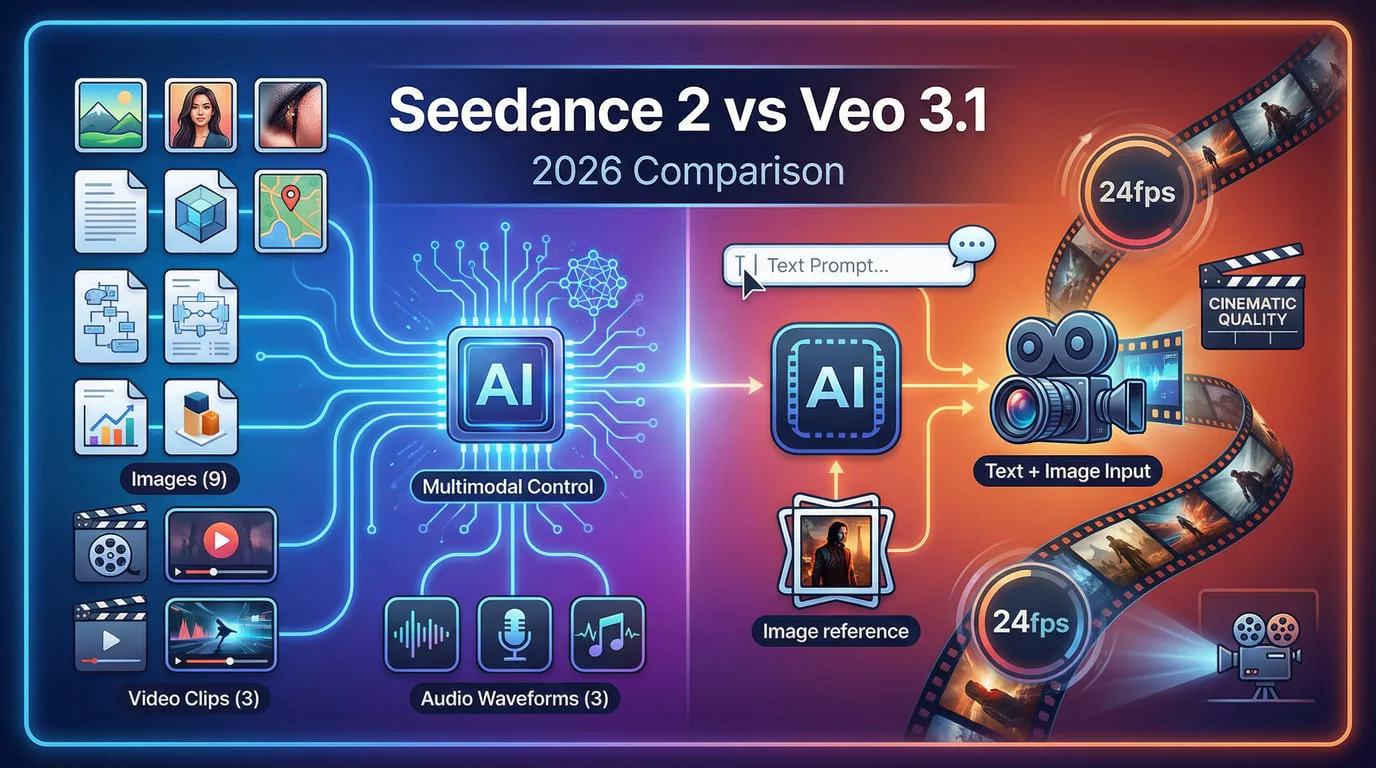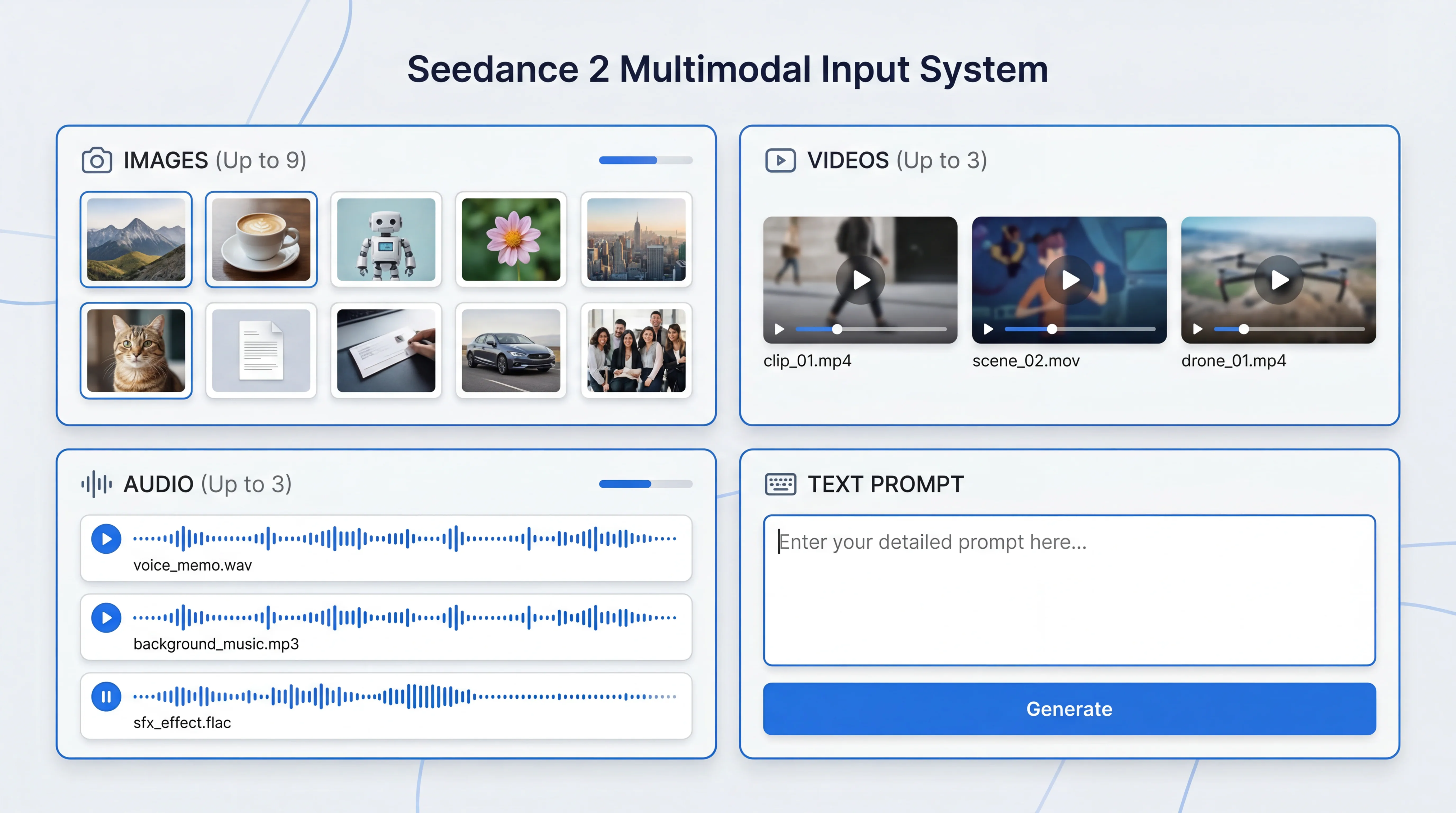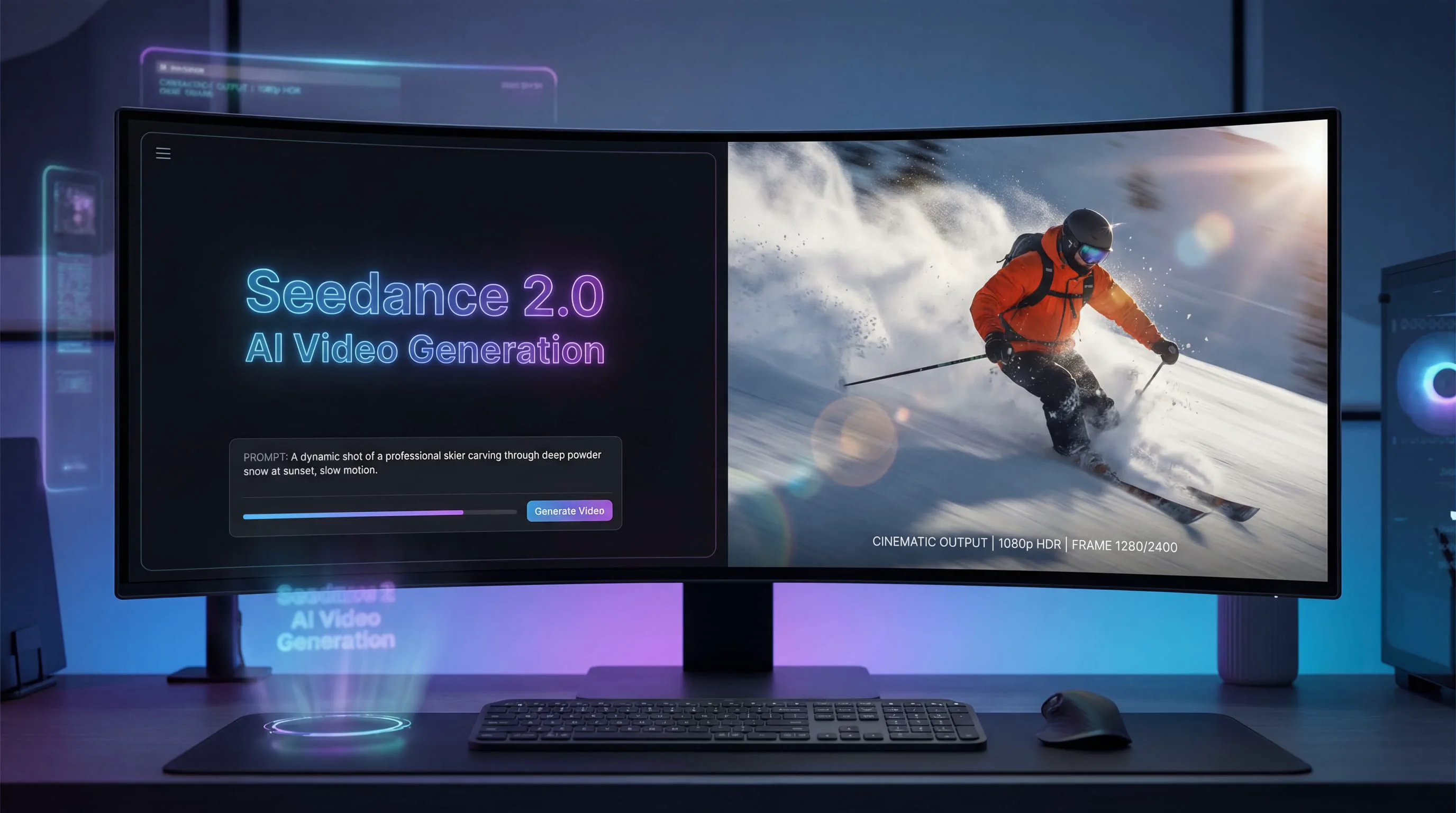
For the last 30 days, my content creation workflow has been turned on its head. I've dedicated myself to a single mission: to find out if Alibaba's Wan 2.5 is the AI video generator that finally bridges the gap between prohibitively expensive, studio-grade tools and the janky, uncanny-valley results we've all come to dread. As someone who lives and breathes digital content, I've tested everything from Pika to Runway, Veo to Kling. Each has its strengths, but they often come with a silent, glaring omission: native audio.
Wan 2.5 promised to change that. It claimed to generate video and audio—dialogue, sound effects, music—in a single pass. No more awkward lip-syncing in post-production. No more silent videos that feel lifeless. The promise was a faster, more integrated, and more affordable workflow.
But does it deliver? I’ve spent the last month putting it through its paces—creating social media ads, animating product shots, and generating talking-head clips. This is not a summary of a press release. This is my complete, hands-on review of what worked, what flopped, and whether Wan 2.5 deserves a place in your creative toolkit in 2025.
Executive Summary: My Key Findings on Wan 2.5
For those short on time, here's the bottom line after 30 days of intensive testing.
| Finding | My Rating (out of 5) | Summary |
|---|---|---|
| Audio-Visual Sync | ★★★★☆ | A game-changer. The native lip-sync and ambient sound generation save immense time. It's not always 100% perfect, but it's about 90% there, which is miles ahead of silent models. |
| Visual Quality (1080p) | ★★★★☆ | Produces clean, cinematic 1080p HD video at 24fps. It handles textures, lighting, and skin tones surprisingly well. It's not quite at the photorealistic level of Google's Veo 3, but it's impressively close for the cost. |
| Ease of Use | ★★★★★ | The prompt-in, video-out workflow is incredibly intuitive. Platforms like Seedance AI make it accessible even for beginners. The learning curve is minimal compared to other tools. |
| Value for Money | ★★★★★ | This is where Wan 2.5 truly shines. It offers features that were previously exclusive to premium, high-cost models at a much more accessible price point. It's the best value-for-money AI video tool I've tested this year. |
| Best For | - | Marketers, solo creators, and small teams who need to produce high-quality short-form video content (ads, social clips, product demos) quickly and on a budget. |
My Verdict: Wan 2.5 is not just another incremental update in the AI video space. Its native audio-visual synchronization makes it a genuinely disruptive tool. While it has limitations, its combination of quality, ease of use, and affordability makes it a must-try for most content creators.
What is Wan 2.5 and Why Does It Matter in 2025?
Launched by Alibaba in late 2025, Wan 2.5 is a multimodal AI model designed to generate high-fidelity video from text and image prompts. What sets it apart in a crowded market is its core architecture, which was built from the ground up to generate audio and video simultaneously.
For years, AI video generation has been like watching a silent film. We got moving pictures, but the sound was a separate, often difficult, problem to solve. You’d generate a video clip in one tool, create a voiceover in another, find background music, and then painstakingly try to sync them all in a video editor. The results were often clunky, with lip movements that never quite matched the words.
This is the key innovation of Wan 2.5: It's one of the first widely accessible models that treats audio as a native part of the video generation process. When you ask for "a journalist reporting on a busy street," it doesn't just create the visuals; it generates the journalist's voice, the sound of traffic, and ambient city noise, all synchronized in a single file.
This matters for three reasons:
-
Speed: It dramatically cuts down production time. What used to take hours of editing can now be done in minutes.
-
Accessibility: It lowers the barrier to entry for creating professional-sounding videos. You don't need to be an audio engineer to get good results.
-
Engagement: Sound is half the story. Videos with synchronized audio and sound effects are far more immersive and engaging, leading to better performance on social media and ad platforms.
A Deep Dive into Wan 2.5's Key Features (Based on My Tests)
I tested each of Wan 2.5's core features by running dozens of prompts for different use cases. Here’s my detailed breakdown.
Native Audio-Visual Synchronization: The Game-Changer
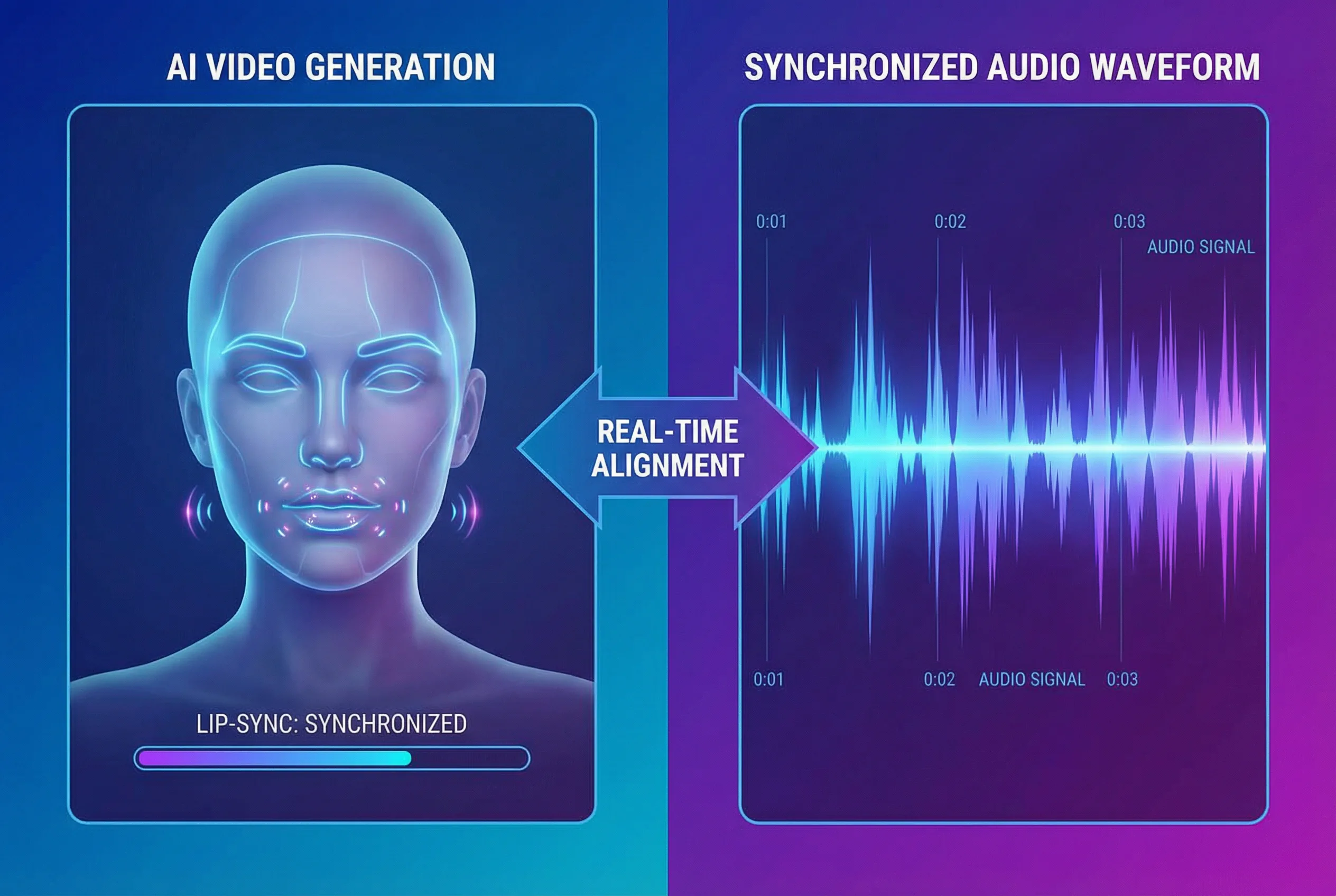
This is the headline feature, and I was skeptical. I started with a simple prompt:
Prompt: A close-up of a woman with glasses, speaking directly to the camera. She says, "In 2025, AI is not just a tool; it's your creative partner." Soft, ambient background music.
The result was astonishing. The model generated a 10-second clip where the woman's lip movements were almost perfectly synced with the dialogue it created. The ambient music was subtle and didn't overpower her voice. I ran similar tests with different phrases and even uploaded my own voiceover clips. While complex sentences sometimes had a slight drift, the accuracy was consistently impressive. For short social media hooks or explainer lines, it's more than good enough. This feature alone is a massive workflow accelerator.
Text-to-Video: From Idea to Motion in Minutes
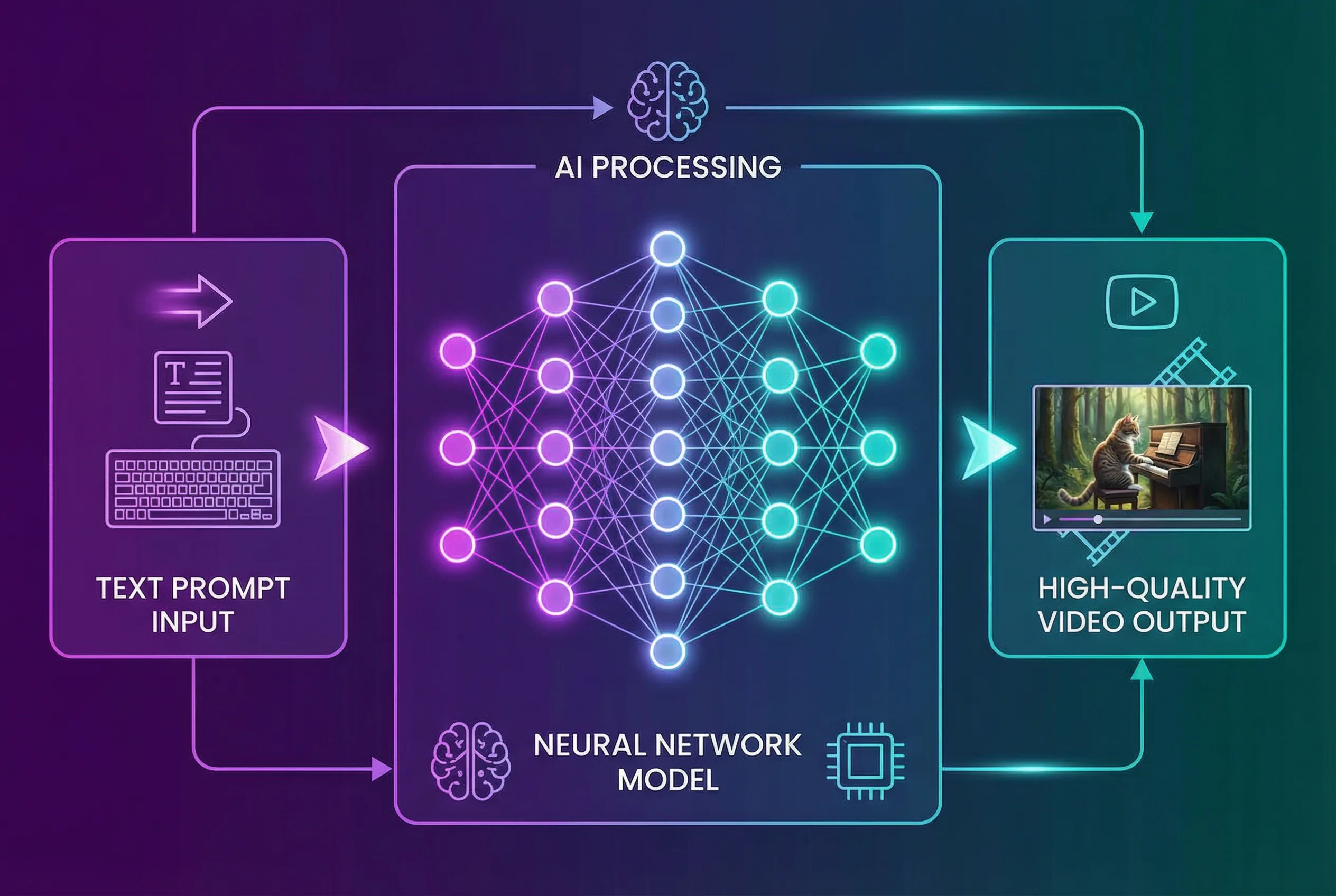
Like other text-to-video models, Wan 2.5 lets you describe a scene and brings it to life. I found that its prompt adherence is strongest when you follow a few rules. The model excels with prompts that are structured like a director's shot list.
Weak Prompt: A man running.
Strong Prompt: A cinematic tracking shot following a man in a red jacket running through a misty forest at dawn. The camera is low to the ground. 1080p, hyper-realistic.
The second prompt yielded a far superior result, with believable motion and atmospheric lighting. The model understands camera terminology (tracking shot, low angle, dolly zoom) and styles (cinematic, handheld, vintage film). My workflow became: start with a simple idea, then layer in cinematic details to refine the output.
Image-to-Video: Breathing Life into Static Assets
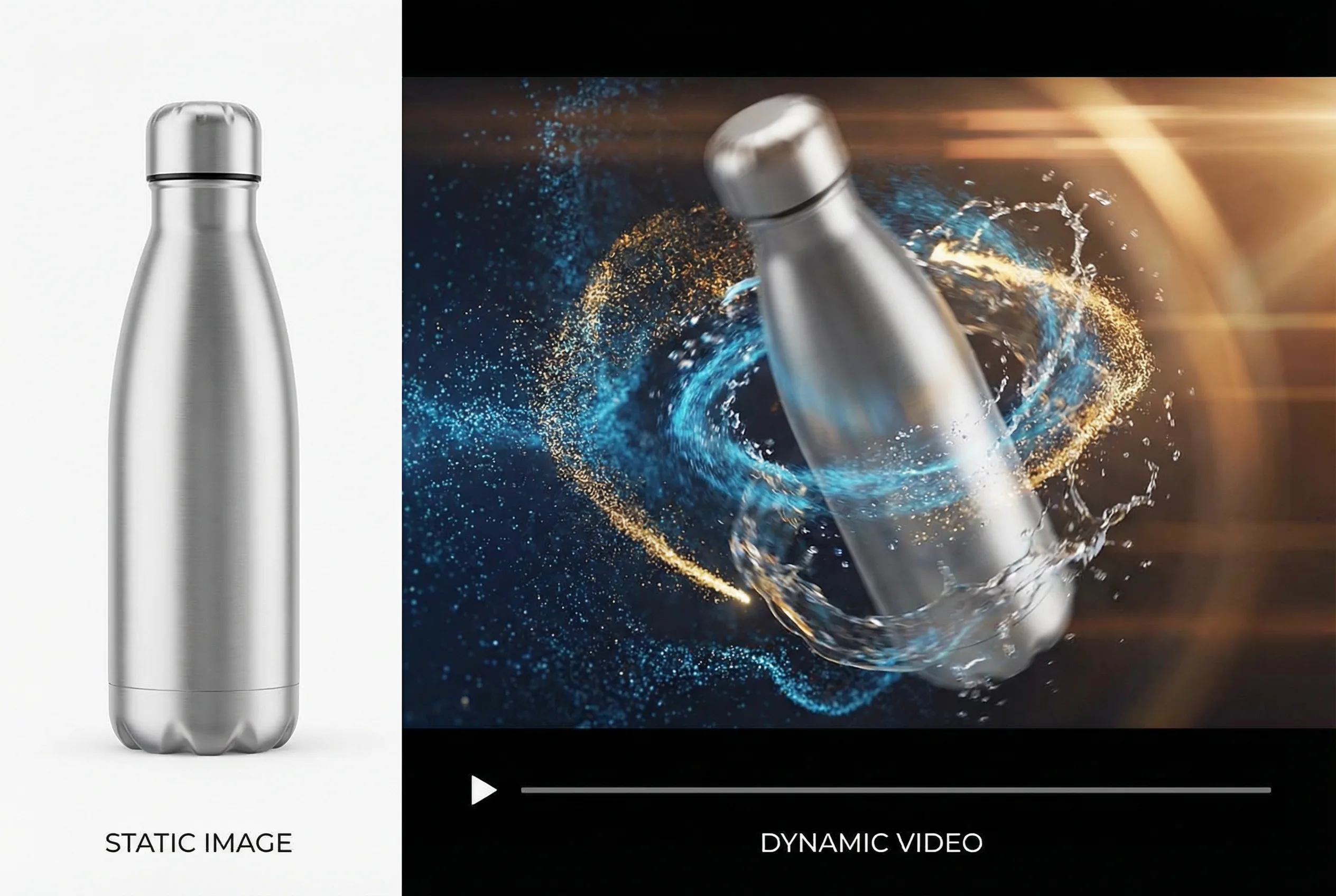
This feature is a godsend for marketers. I took a standard e-commerce product photo (a bottle of skincare serum on a white background) and used it as a reference image.
Prompt: Animate this product image. The bottle should slowly rotate as golden light particles float around it. Background changes to a luxurious marble surface.
Wan 2.5 did an excellent job of maintaining the product's integrity while adding dynamic motion and changing the environment. It's an incredibly powerful way to turn boring product shots into engaging video ads without a complex 3D rendering pipeline. I found this worked best when the source image was high-quality and well-lit.
1080p HD Quality and 24fps Motion
Wan 2.5 generates videos up to 1080p resolution at a standard 24 frames per second (fps). The output is crisp and clean, holding up well on large desktop screens and mobile devices. The motion is generally smooth, avoiding the jittery, flickering artifacts common in earlier AI video models. While it can still struggle with complex physics (like water splashing realistically), for most common shots—character movements, landscape pans, product rotations—the motion quality is solid and professional.
Multilingual Support
The model officially supports both English and Chinese with synchronized audio. I tested prompts in both languages and found the performance to be equally strong. For global brands or creators targeting audiences in these regions, this is a significant advantage, removing the need for separate dubbing and localization workflows for short-form content.
Wan 2.5 vs. The Competition: 2025 AI Video Showdown
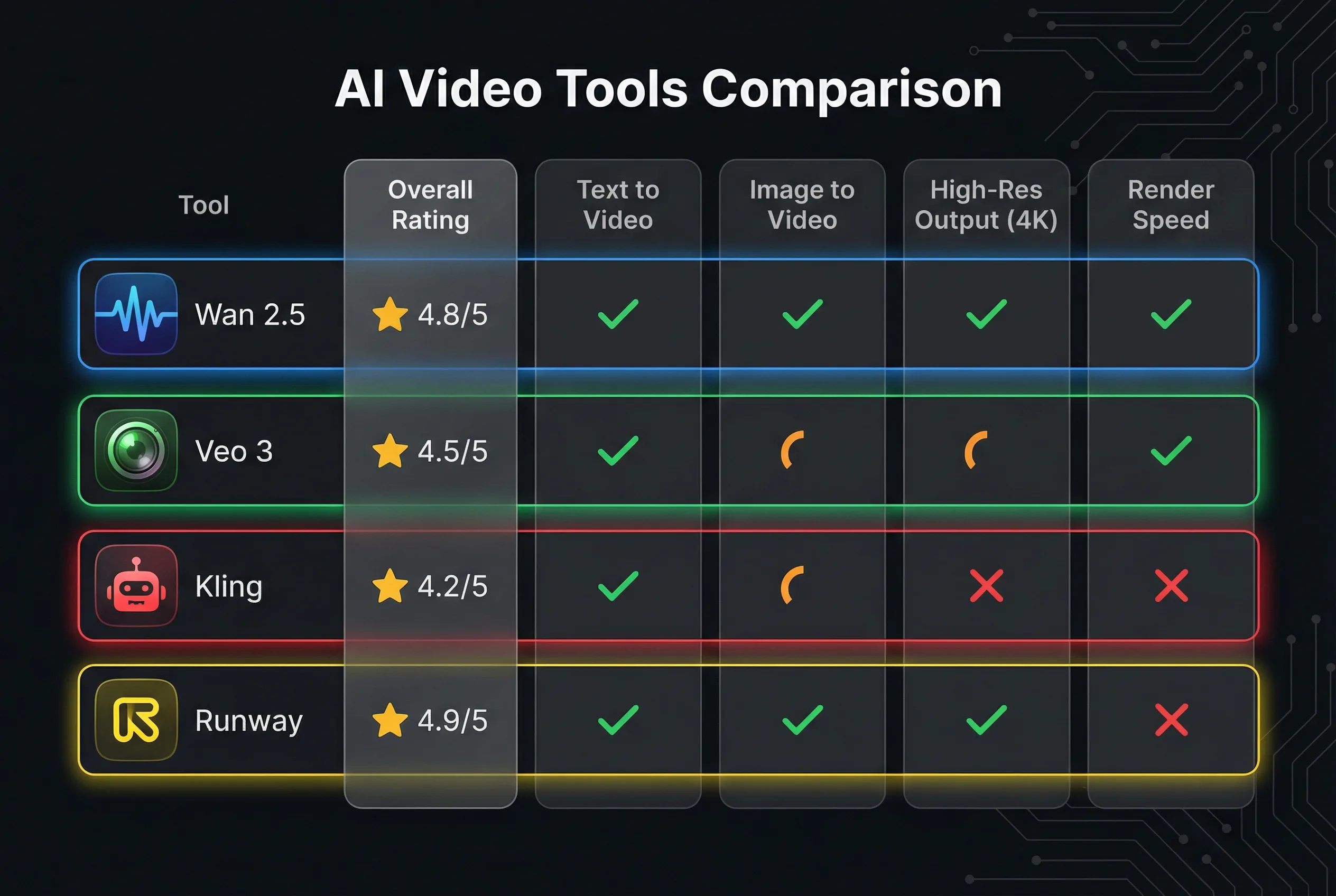
So, how does Wan 2.5 stack up against the other giants in the field? I’ve spent time with all of them, and here’s my comparative analysis.
| Feature | Wan 2.5 | Google Veo 3 | Kling 2.5 | Runway Gen-3 |
|---|---|---|---|---|
| Video Quality | High (1080p) | Very High (up to 4K) | High (1080p) | High (1080p+) |
| Native Audio Sync | ✅ Yes (Killer Feature) | ✅ Yes (Excellent) | ❌ No | ❌ No |
| Max Clip Length | ~10 seconds | ~15-20 seconds | ~10 seconds | ~10 seconds |
| Prompt Adherence | Good to Very Good | Excellent | Very Good | Good to Very Good |
| Unique Strength | Affordable A/V Sync, Image-to-Video | Unmatched realism, physics simulation | Character consistency, motion | Creative controls, video-to-video tools |
| Pricing/Access | Accessible/Affordable | Premium/Limited Access | Accessible/Free Tiers | Subscription-based |
| Best For... | Creators & Marketers on a budget | High-end studios, filmmakers | Viral social content | Artists & Editors |
My Takeaway: Wan 2.5 isn't trying to be Veo 3. Google's model is the undisputed king of realism and physics, but it comes with a premium price tag and limited access. Wan 2.5 carves out a powerful niche: it delivers the most valuable 80% of what high-end models offer (quality video with synced audio) at a fraction of the cost and with much wider accessibility. For everyday creators, that trade-off is a massive win.
Real-World Test Results: Putting Wan 2.5 to Work
I moved beyond simple tests to see how Wan 2.5 performs in real-world scenarios.
Use Case 1: Social Media Ad
-
Goal: Create a 10-second video ad for a fictional coffee brand.
-
Prompt:
A close-up shot of steaming hot coffee being poured into a ceramic mug in slow motion. Text overlay appears: "Your Morning Ritual, Perfected." Upbeat, acoustic background music. -
Result: Excellent. The video was visually appealing, the slow motion was smooth, and the generated music fit the mood perfectly. I was able to generate five different variations in under 30 minutes, giving me plenty of options for A/B testing. This would have taken half a day with traditional methods.
Use Case 2: Animating a Product for a Demo
-
Goal: Animate a static image of a new sneaker for an e-commerce site.
-
Process: I uploaded a high-res image of the sneaker and used the prompt:
Animate this sneaker. The camera does a 360-degree rotation around the shoe, highlighting the texture of the fabric. The background is a clean, minimalist grey studio. -
Result: Very good. Wan 2.5 successfully created a smooth rotational video that looked far more engaging than a static image. There was a slight morphing effect on the shoelaces in one generation, but a quick re-run with a slightly tweaked prompt fixed it. It's a perfect tool for creating simple product showcase videos. For this kind of task, a platform like Seedance AI is ideal because you can quickly iterate on prompts until you get the perfect shot.
Use Case 3: A Short Explainer Clip
-
Goal: Generate a "talking head" clip for a tutorial video.
-
Prompt:
A friendly-looking man in his 30s sits in a bright office and says, "Here are three tips to improve your productivity." -
Result: Good, but not perfect. The lip-sync was about 90% accurate, which is usable but might be noticeable to a discerning viewer. The audio quality of the generated voice was clear but slightly robotic. For quick social clips, it works. For a primary talking head in a long-form YouTube video, I'd still recommend recording a real person for now.
My Honest Pros and Cons of Using Wan 2.5
After a month, the picture is clear. Wan 2.5 is a powerful tool, but it's not magic.
What I Loved (Pros)
-
Native Audio is a Workflow Revolution: I can't overstate this. It saves an incredible amount of time and technical hassle.
-
Exceptional Value for Money: It democratizes access to features that were, until recently, incredibly expensive.
-
Strong Image-to-Video Consistency: It does a great job of animating existing assets while preserving their look and feel.
-
Fast Iteration Speed: The ability to quickly generate and test variations is a massive advantage for marketers and content creators.
-
Low Barrier to Entry: It's genuinely easy to get started and produce good results without a steep learning curve.
Where It Fell Short (Cons)
-
Physics Can Be Funky: It sometimes struggles with complex interactions, like a hand splashing in water or objects colliding. The results aren't broken, but they can feel slightly "off."
-
Lip-Sync Isn't Flawless: While very good, it's not 100% perfect. For mission-critical dialogue, you might still notice minor inconsistencies.
-
Limited Clip Length: The ~10-second limit means you have to stitch clips together for longer sequences, which can sometimes lead to consistency challenges.
-
Generated Voices Can Lack Emotion: The text-to-speech voices are clear but can sound a bit generic compared to a human voice actor.
Pro-Tips: How to Get the Best Results from Wan 2.5
Here's what I learned to get the most out of the model:
-
Use Cinematic Language: Don't just say what you want to see; direct the camera. Use terms like
wide shot,close-up,dolly in,rack focus, andgolden hour lighting. -
One Shot, One Prompt: Wan 2.5 works best when a prompt describes a single, continuous shot. Avoid asking for multiple scenes in one prompt (e.g., "A man wakes up, then walks to the kitchen").
-
Iterate on Your Prompts: Your first result is rarely your best. See it as a draft. Tweak the subject, the style, or the camera angle and regenerate.
-
Leverage Image-to-Video for Consistency: If you need a consistent character or product, start with a reference image. This gives the AI a strong anchor and leads to more predictable results.
-
Provide Your Own Audio: For the best quality dialogue, use the feature that allows you to upload your own voiceover. The AI will then focus solely on syncing the lip movements to your pre-recorded audio.
The Final Verdict: Who Should Use Wan 2.5?
After 30 days, I'm integrating Wan 2.5 into my permanent content workflow. It's not a replacement for high-end cinematic tools like Google Veo 3, and it won't put Hollywood directors out of business.
However, Wan 2.5 is a breakthrough for the 99% of creators: the marketers, entrepreneurs, social media managers, and YouTubers who need to create professional-looking video content quickly and affordably.
It excels at producing short-form content where speed and engagement are critical. If you're looking for a tool to create social media ads, product video snippets, animated logos, or engaging visual hooks, Wan 2.5 offers an unbeatable combination of features and value.
For those looking to get started, I did most of my testing on Seedance AI. I found its interface to be the most straightforward, allowing you to access Wan 2.5 and other models like Kling and Veo without needing to wrestle with APIs. It makes the entire process of prompting, generating, and downloading incredibly simple.
Frequently Asked Questions (FAQ)
What is Wan 2.5?
Wan 2.5 is a multimodal AI model from Alibaba that generates high-quality video (up to 1080p) from text or image prompts. Its key feature is the ability to generate synchronized audio (dialogue, music, effects) and video in a single pass.
Is Wan 2.5 better than Kling 2.5?
They are different. Wan 2.5's main advantage is its native audio-visual synchronization. Kling 2.5 is known for its excellent motion and character consistency in silent video generation. If you need a video with synced sound out-of-the-box, Wan 2.5 is the better choice. If you just need high-quality silent footage, Kling 2.5 is a strong contender.
Can I use Wan 2.5 for free?
Yes, many platforms that offer access to Wan 2.5, such as Seedance AI and others, provide free credits or trials for users to test the model's capabilities before committing to a paid plan.
What is the maximum video length for Wan 2.5?
Currently, Wan 2.5 generates clips up to approximately 10 seconds long. For longer sequences, you need to generate multiple clips and edit them together.
Does Wan 2.5 add a watermark to videos?
This depends on the platform you use to access the model. Some free tiers on various services may include a watermark, while paid plans typically offer watermark-free downloads.