As a content creator who's constantly navigating the wild west of AI tools, I've seen my fair share of hype cycles. Every few months, a new "game-changer" promises to revolutionize everything. But the AI video space in late 2025 feels different. The leap in quality is palpable, and at the center of this conversation is Kuaishou's Kling 2.5.
I've read dozens of reviews and watched countless generated clips, but I found most analyses only scratched the surface. That's why I decided to do a proper deep dive. Following the "Skyscraper Technique," my goal is to create the single most comprehensive, hands-on review of Kling 2.5 on the internet. I've spent days testing its limits, comparing it to rivals, and dissecting its pricing.
So, is Kling 2.5 Turbo truly the king of AI video generation, or is it just another flash in the pan? Let's find out.
What is Kling 2.5? The Evolution of a Contender
Kling 2.5 isn't a brand-new player that came out of nowhere. It's the latest iteration of an AI video model developed by the Chinese tech giant Kuaishou. This lineage is important. If we look at the family album, Kling 1.6 was about proving the concept, and Kling 2.0 started to find its rhythm. Kling 2.5, and specifically the Kling 2.5 Turbo model, feels like the mature adult in the room, ready to be taken seriously in professional workflows.
At its core, Kling 2.5 is a generative AI model that creates video from text prompts (text-to-video) or static images (image-to-video). Its "Turbo" designation signifies a major upgrade focused on three things: making it better, faster, and cheaper. This version boasts dramatic improvements in understanding complex prompts, simulating realistic physics, and maintaining visual consistency—all while reducing the cost per generation by about 30% compared to its predecessor, Kling 2.1.
The Key Features That Make Kling 2.5 Stand Out
After my testing, several features clearly set Kling 2.5 apart from the increasingly crowded market. It's not just about generating a pretty video; it's about control, realism, and efficiency.
Kling 2.5 Turbo Engine: Speed and Efficiency
The "Turbo" in the name isn't just marketing fluff. This engine is designed for rapid iteration. It generates videos significantly faster than previous versions and many competitors, which is a lifesaver when you're trying to dial in the perfect prompt. More importantly, it's cost-optimized. A standard 5-second 1080p video costs 25 credits, down from 35 on the older model, making experimentation less punishing on your wallet.
Advanced Physics Simulation
This is where I was truly impressed. Kling 2.5 has a superior physics simulation engine that understands momentum, acceleration, and natural object interactions. In my tests, I prompted a "rainy street scene with cars splashing through puddles," and the model generated water physics that felt authentic, not just like a generic overlay. This ability to simulate the real world adds a layer of believability that many other models lack.
Cinematic Quality and Control
Kling 2.5 outputs video at up to 1080p Full HD resolution and even supports HDR for richer colors and contrast. But the real power lies in its understanding of cinematography. You can prompt for specific camera movements like "wide pan," "cinematic zoom," or "tracking shot," and the model responds with surprising accuracy. It also has a nuanced understanding of lighting, allowing you to specify moods like "golden hour," "neon-lit alley," or "harsh noon sun."
Start & End Frame Control
This is a killer feature for anyone interested in storytelling. Kling 2.5 allows you to upload or specify a starting frame and an ending frame. This gives you unprecedented control over the video's trajectory, ensuring your clip begins and concludes exactly how you envision it. It's perfect for creating smooth transitions or specific character transformations within a shot.
My Hands-On Experience: Putting Kling 2.5 to the Test
Talk is cheap, so I rolled up my sleeves and put Kling 2.5 Turbo through its paces. I focused on three distinct challenges: a high-action scene, a subtle character expression, and an image-to-video transformation.
Test 1: The Action Scene. My prompt was: "A futuristic motorcycle speeds through a neon-drenched city at night, dynamic motion blur, tracking shot from the side." The result was stunning. The motion was fluid, the lighting was spectacular, and the sense of speed was palpable. The physics held up, with the bike leaning realistically into turns. No weird warping or distortion, which is a common issue in AI-generated action scenes.
Test 2: The Subtle Expression. Prompt: "Close-up of a woman's face, she looks up from her book with a subtle, knowing smile, soft indoor lighting." This is where many AIs fail, producing uncanny or bizarre results. Kling 2.5 handled it beautifully. The expression was natural and conveyed the intended emotion without looking robotic.
Test 3: Image-to-Video. I used a photo of a static, boring building and prompted: "Transform this building into a living, breathing structure with glowing windows and vines growing up its walls over time." The result was magical. The model kept the core architecture of the building consistent while animating the new elements with a smooth, believable progression.
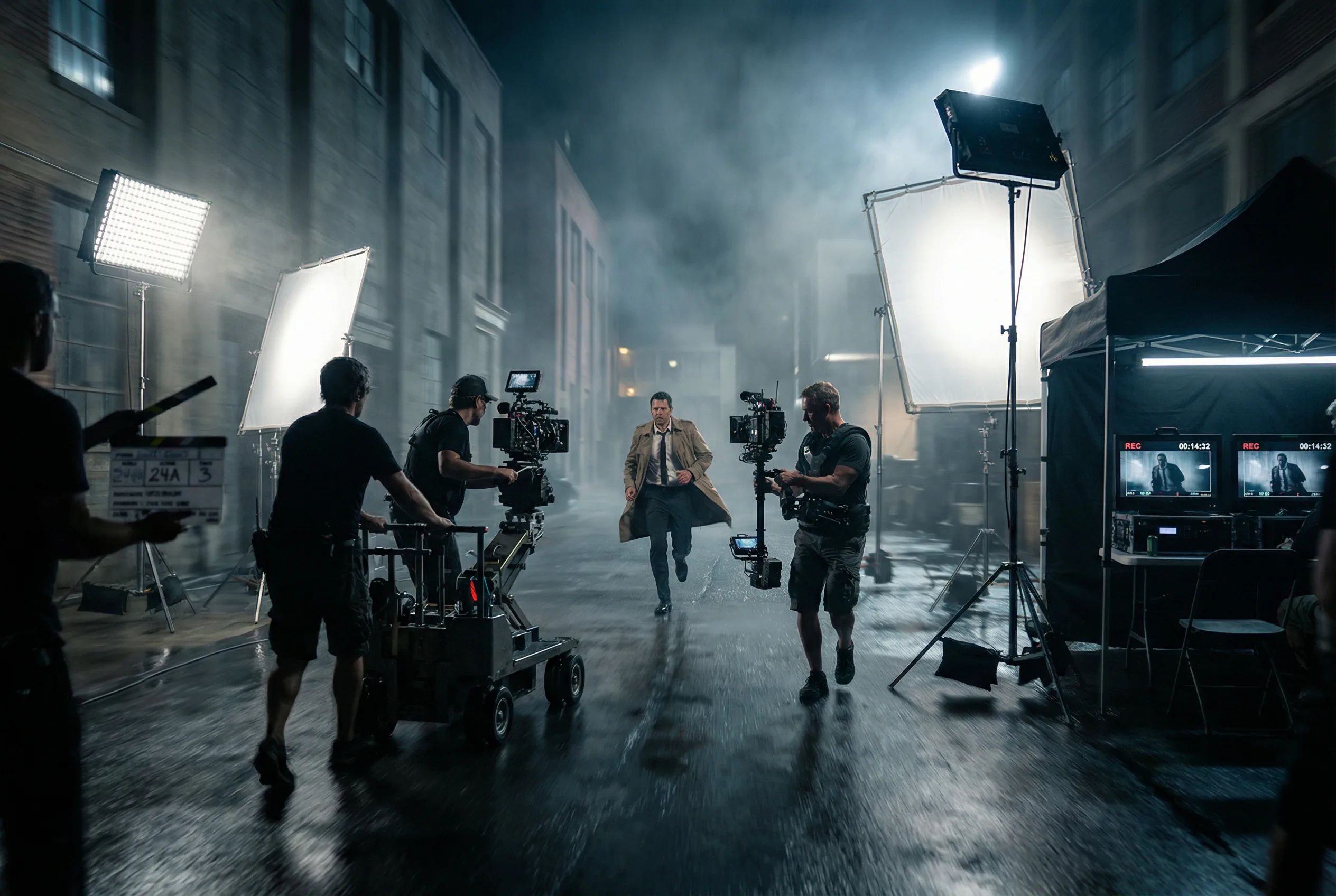
Of course, it's not perfect. In one test with a prompt for "two samurais in a sword battle," the model struggled with the intricate, overlapping movements, and the swords occasionally morphed. This confirms what other reviews have found: extremely complex, multi-subject interactions can still be a challenge.
Kling 2.5 vs. The Competition: A Head-to-Head Battle
Kling 2.5 isn't operating in a vacuum. It's up against giants like Google's Veo 3, the much-hyped Sora 2 from OpenAI, and other strong contenders like Wan 2.5. So, how does it stack up?
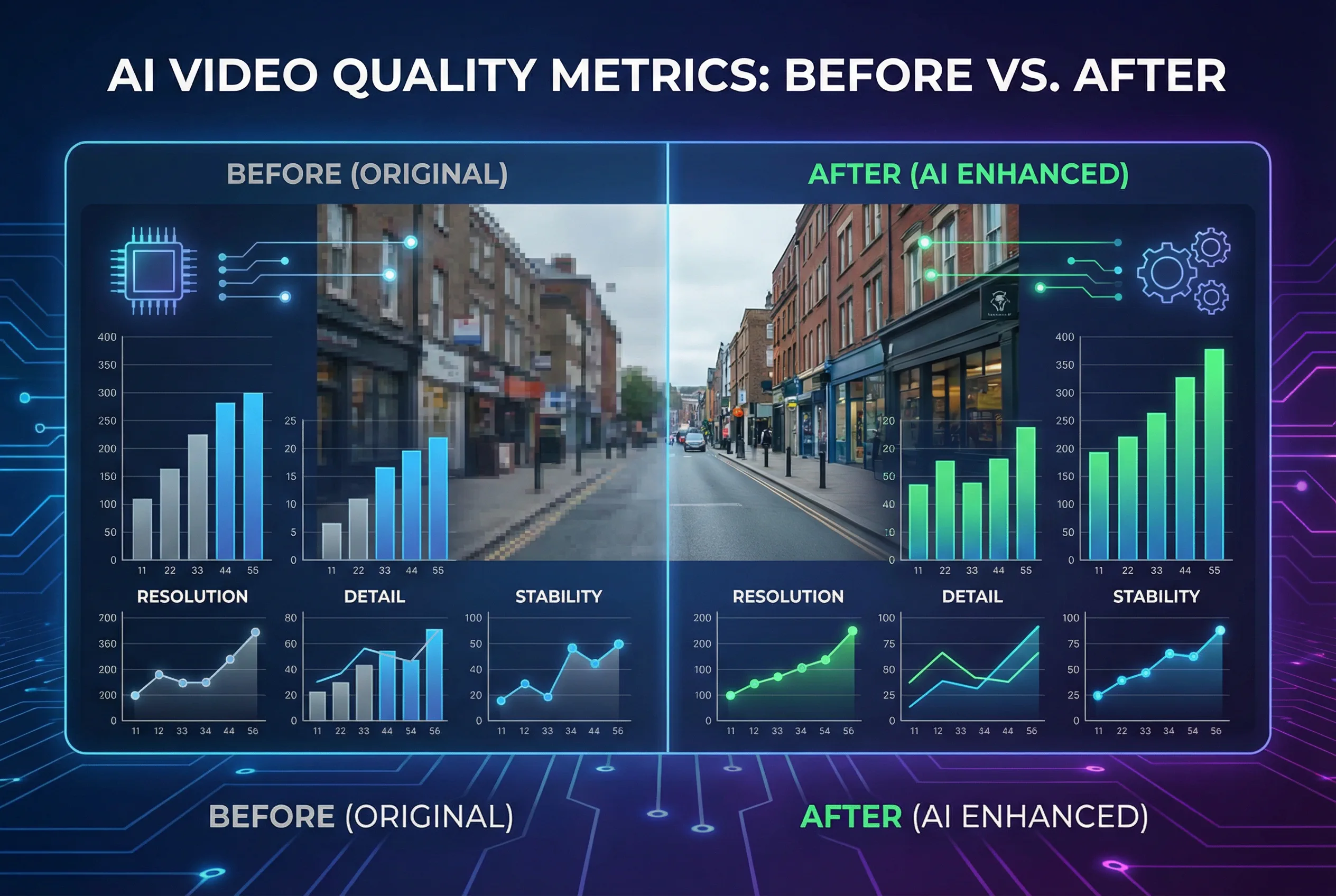
Here's a breakdown of how the top models compare in late 2025:
| Feature | Kling 2.5 Turbo | Google Veo 3 | OpenAI Sora 2 | Wan 2.5 (Alibaba) |
|---|---|---|---|---|
| Max Duration | Up to 10 seconds | ~5-7 seconds | Up to 60 seconds | ~16 seconds |
| Native Audio | No | Yes | Yes | Yes |
| Visual Quality | Excellent, Cinematic | Excellent, Photorealistic | State-of-the-Art | Very Good, Open-Source |
| Motion/Physics | Superior, very stable | Very Good | Excellent | Good |
| Core Strength | Cost-effective quality, Image-to-Video, Control | Production efficiency, A/V sync | Narrative coherence, World simulation | Open-source, self-hosting |
| Accessibility | Widely available | Limited access | Very limited access | Open-source, requires hardware |
Analysis: The table reveals a fascinating trade-off. Kling 2.5 Turbo's biggest weakness is its lack of native audio generation. Competitors like Veo 3 and Sora 2 can create synchronized sound, which is a massive workflow advantage.
However, Kling 2.5 wins decisively on visual sophistication for its price and accessibility. It offers a longer duration than Veo 3 and provides more granular control than most competitors. While Sora 2 promises the moon with its long-form narrative capabilities, it remains largely inaccessible. Wan 2.5 is a fantastic open-source alternative but requires technical know-how and powerful hardware to run.
This positions Kling 2.5 as the "value king" for creators who prioritize top-tier visual output and are willing to handle audio in post-production.
Is It Worth It? A Deep Dive into Kling 2.5 Pricing
Kling operates on a credit-based subscription model, which can be confusing at first. Essentially, every video you generate consumes credits, with the amount depending on duration and quality settings.
Here's a simplified look at a typical pricing structure (note: prices are approximate and can vary):
| Plan | Est. Price (Monthly) | Credits | Est. 5-sec Videos (Turbo) | Key Features |
|---|---|---|---|---|
| Free | $0 | ~66 daily (don't roll over) | ~2 per day | Watermarked, 720p resolution |
| Standard | ~$10 | ~660 | ~26 | No watermark, 1080p access |
| Pro | ~$37 | ~3,000 | ~120 | More credits, faster queue |
| Premier | ~$92 | ~8,000 | ~320 | High volume, priority support |
Key Takeaway: A 5-second 1080p video in the efficient "Turbo" mode costs 25 credits. This is a crucial number. The free plan is generous enough for testing, but for any serious work, you'll need a paid plan. One critical point is that paid credits often have an expiration policy, so it's a "use it or lose it" system, unlike monthly refreshes on some other platforms.
For those looking for different pricing models or access to multiple AI tools under one roof, it's worth checking out integrated platforms. For instance, you can find Kling 2.5 on hubs like Seedance AI, which might offer it as part of a larger creative suite.
Kling 2.5: The Pros and Cons
After extensive testing, here's my balanced take:
Pros
-
Stunning Visual Quality: Truly cinematic output with realistic lighting and textures.
-
Cost-Effective: The "Turbo" model offers top-tier quality at a lower credit cost than competitors.
-
Excellent Motion & Physics: Best-in-class for generating smooth, believable movement and action.
-
Great Style Consistency: Maintains character and aesthetic integrity throughout a clip.
-
Advanced Creative Controls: Start/End frames and detailed prompt adherence give you real power.
-
Widely Accessible: Unlike Sora 2, you can actually use it right now.
Cons
-
No Native Audio: This is its single biggest drawback and requires extra work in post-production.
-
Character Consistency Issues: Can struggle to maintain character identity in longer or more complex prompts.
-
Limited Duration: 10 seconds is great, but falls short of Sora's potential for longer scenes.
-
Credit System: The credit-based pricing and expiration policies can be confusing for new users.
Who is Kling 2.5 For? Top Use Cases
-
Social Media Content Creators: Perfect for creating eye-catching short-form videos, Reels, and TikToks quickly and affordably.
-
Marketers & Advertisers: A powerful tool for generating product ads, visual concepts, and social media campaigns without the cost of a full production crew.
-
Indie Filmmakers & Animators: Excellent for creating b-roll, establishing shots, animated sequences, or pre-visualizing complex scenes.
-
Concept Artists & Visualizers: The image-to-video feature is a game-changer for bringing static concept art to life.
How to Get Started with Kling 2.5 in 5 Simple Steps
-
Find a Platform: Sign up on the official Kling AI website or access it through an integrated suite.
-
Craft a Detailed Prompt: Be specific. Instead of "a car," write "a vintage red convertible driving along a coastal highway at sunset." Include camera angles and lighting.
-
Set Your Parameters: Choose your aspect ratio (16:9, 9:16, etc.) and duration (5 or 10 seconds).
-
Use Advanced Features (Optional): For more control, upload a starting image for an image-to-video generation or define start and end frames.
-
Generate and Refine: Generate your clip. If it's not perfect, tweak your prompt and try again. The speed of the Turbo model makes this iteration process fast and easy.
The Final Verdict: Does Kling 2.5 Live Up to the Hype?
Yes, with one major caveat.
As of late 2025, Kling 2.5 Turbo is undeniably one of the best AI video generators on the market, especially when you balance quality, control, and cost. It has earned its top spot in leaderboards for a reason. For pure visual storytelling, cinematic motion, and bringing static images to life, it is an absolute powerhouse.
However, the lack of native audio generation is a significant hurdle that prevents it from being the undisputed king. For creators who need a one-stop-shop for audio-visual content, Google Veo 3 or the promise of Sora 2 might be more appealing.
My final recommendation is this: If you are a creator who prioritizes visual excellence and creative control, and you are comfortable adding sound in a separate step, Kling 2.5 is arguably the best tool you can use today.
Frequently Asked Questions (FAQ)
Is Kling 2.5 free to use?
Yes, Kling offers a free plan that provides a limited number of daily credits. However, these generations are typically at a lower resolution (e.g., 720p) and will have a watermark. It's great for testing, but you'll need a paid plan for professional use.
What is the maximum video length for Kling 2.5?
Kling 2.5 Turbo can generate videos up to 10 seconds long at 1080p resolution.
Does Kling 2.5 generate audio?
No. This is a key differentiator. The Kling 2.5 Turbo model does not generate synchronized audio with its videos. You will need to use other tools to create and add sound effects, music, or dialogue.
How does Kling 2.5 compare to Sora 2?
Kling 2.5 is widely accessible and excels at producing high-quality, controlled 10-second clips, especially from image prompts. Sora 2, while less accessible, is being developed to handle much longer durations (up to a minute) and complex narrative tasks with integrated audio, aiming to simulate a "world" rather than just a scene.
Where can I try Kling 2.5?
You can use it on the official Kling AI platform or through various partner services and AI tool aggregators that have integrated its API. Platforms like Seedance AI often bundle it with other creative tools, providing a comprehensive content creation environment.