GPT Image 1.5 AI Editor
What is GPT Image 1.5?
Built on OpenAI's natively multimodal architecture, GPT Image 1.5 processes text and images together—not as separate pipelines—enabling unprecedented accuracy and creative control.
Natively Multimodal Architecture
Unlike traditional AI image tools that chain text encoders to diffusion models, GPT Image 1.5 uses a unified transformer that processes language and visuals simultaneously. This means it truly understands spatial relationships ('the cat is under the table'), physics (accurate reflections and shadows), and context—delivering edits that make logical sense, not random guesses.
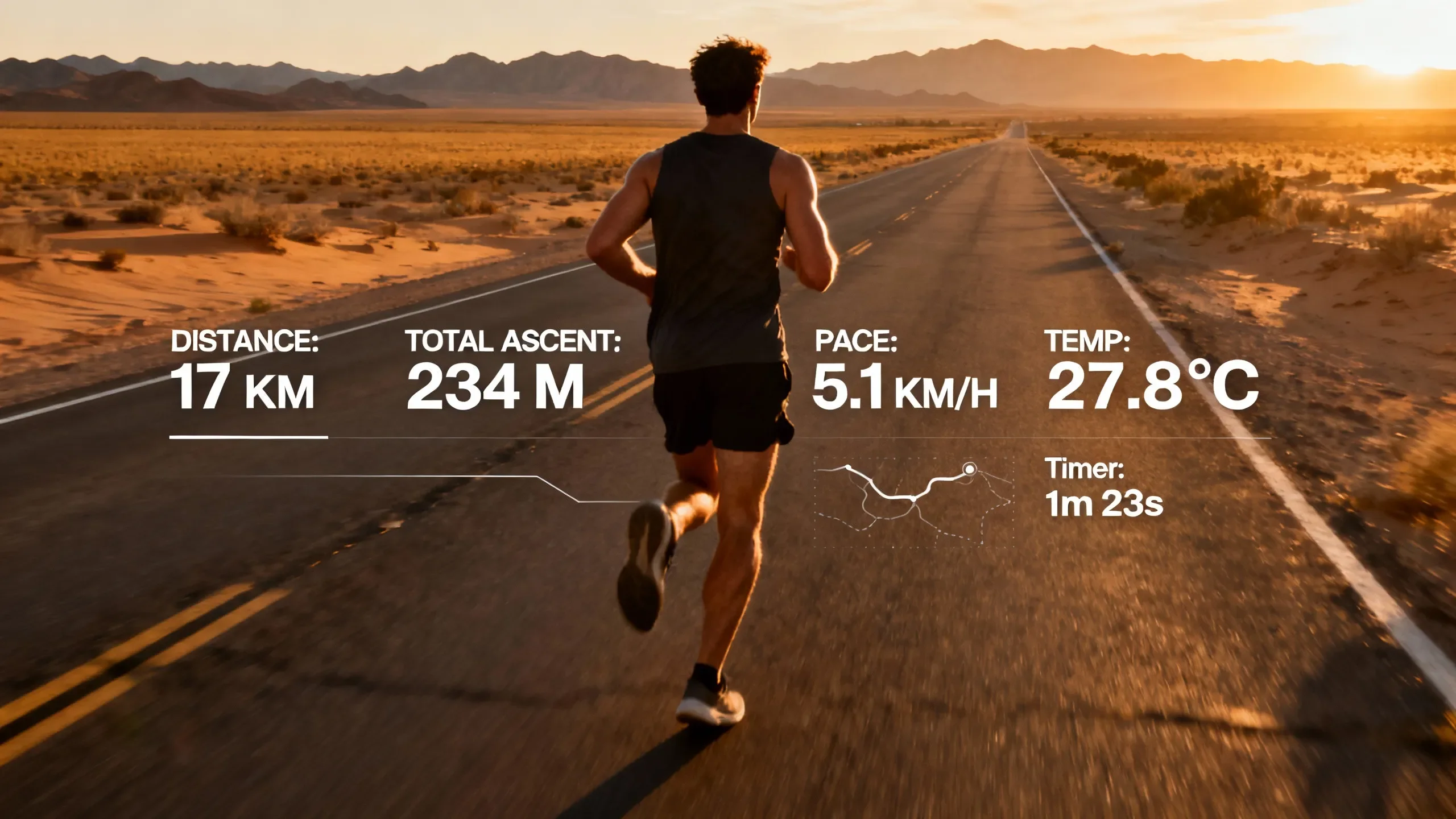
Accurate Text Rendering
The #1 complaint about AI image generators has been garbled text. GPT Image 1.5 treats typography as structured tokens, not pixel patterns. Generate product labels, storefront signs, social media quotes, or book covers with correctly spelled, legible text in multiple fonts and styles—no Photoshop cleanup required.
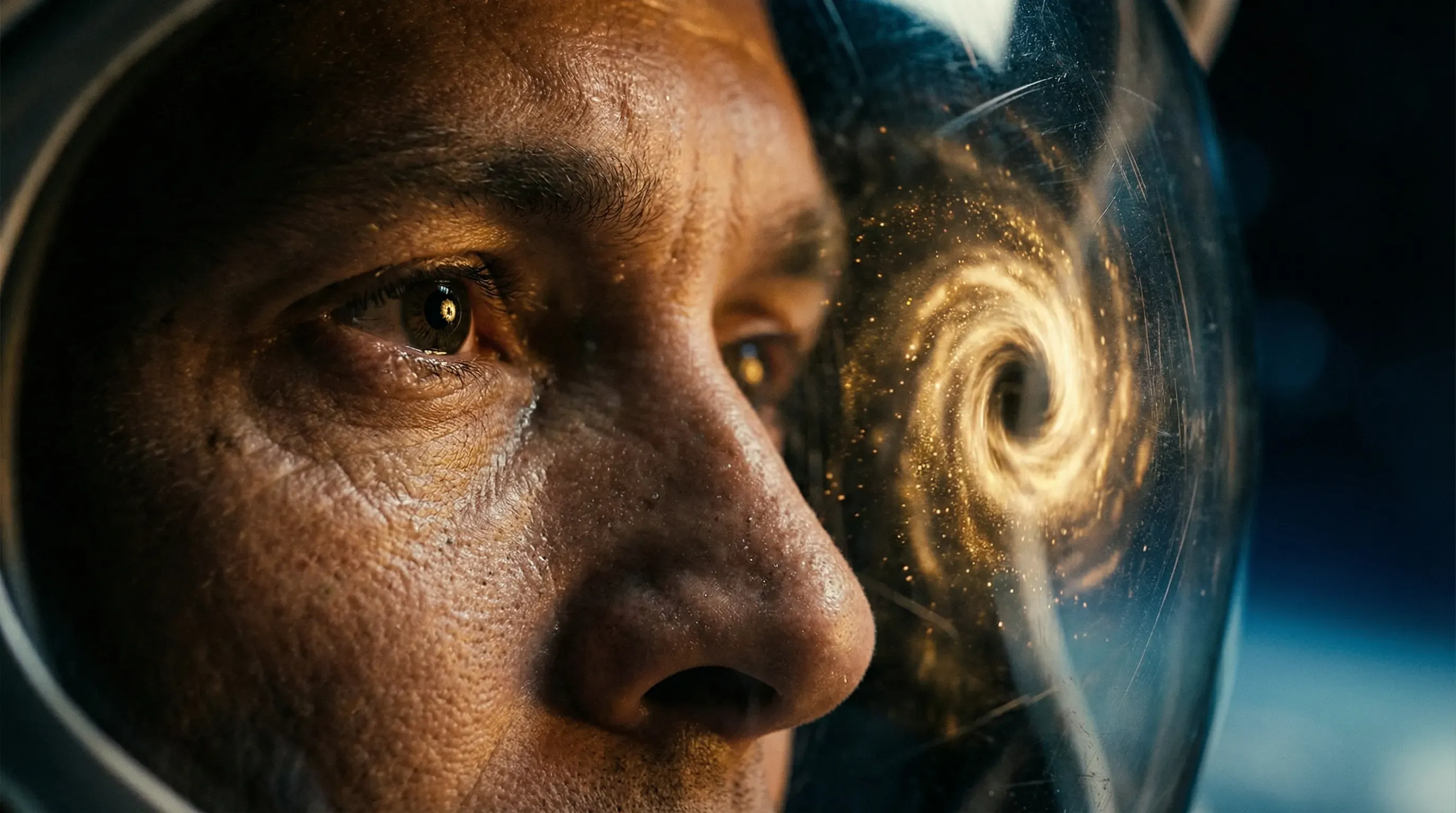
Precise Instruction Following
Ask for 'three red apples on a blue table' and get exactly that. GPT Image 1.5 handles 10-20 distinct objects with accurate counts, colors, and spatial positioning. Complex prompts like 'a woman on the left holding a coffee, a man on the right reading a newspaper' are executed precisely as described.
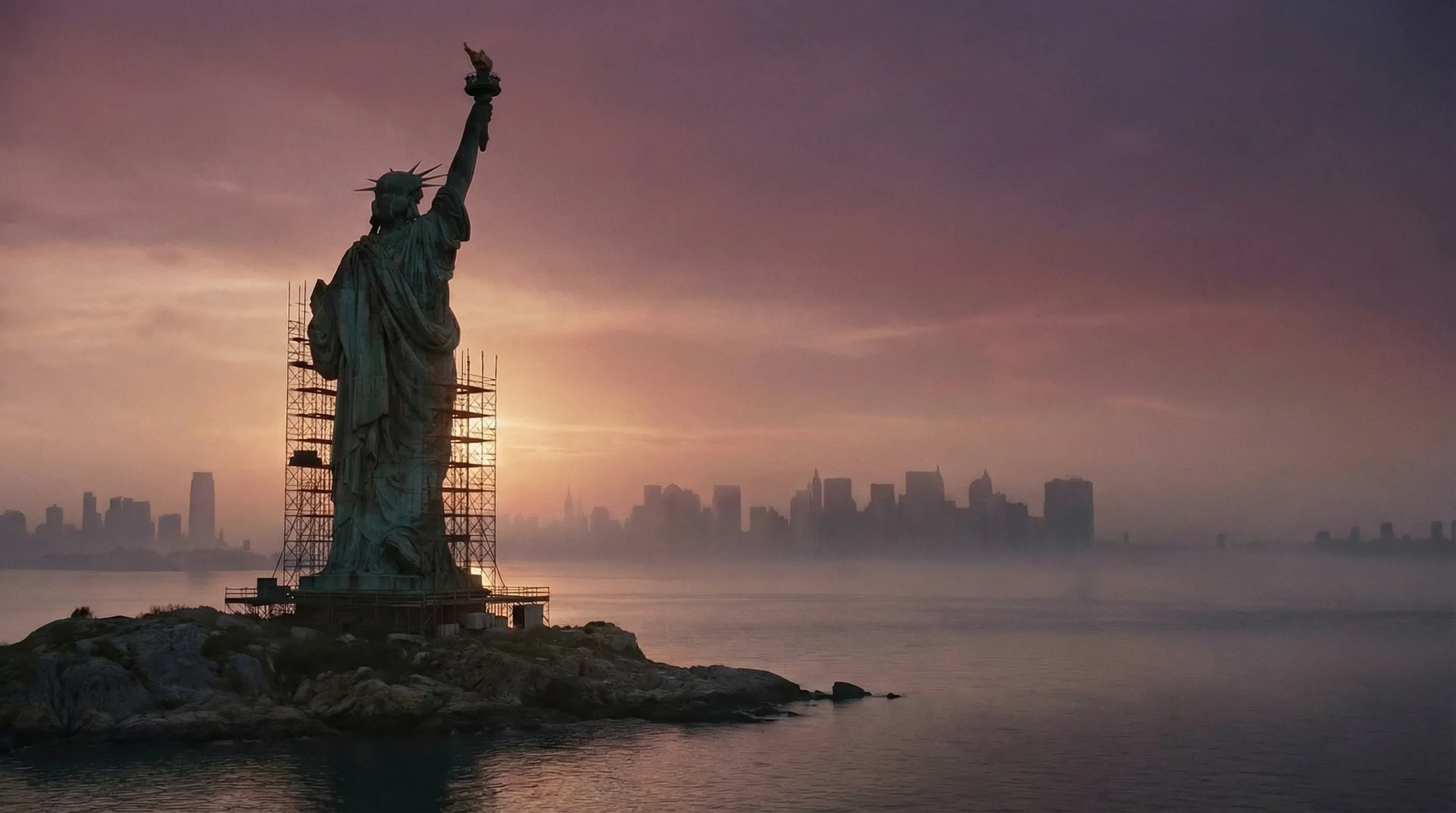
Multi-Turn Conversational Editing
Refine your image through natural dialogue. Start with 'add sunglasses to the person,' then follow up with 'make them gold-rimmed' and 'add a beach reflection in the lenses.' GPT Image 1.5 maintains context across turns, remembering previous edits while applying new ones seamlessly.
How to Use GPT Image 1.5
From upload to finished edit in three simple steps—no design skills required.
Upload Your Image
Drag and drop any JPG or PNG image you want to edit. GPT Image 1.5 analyzes your photo's content, lighting, and composition to understand the context before making any changes.
Describe Your Edit
Tell the AI what you want in plain English. Say 'remove the person in the background' or 'add a sunset sky' or 'put text saying SALE 50% OFF.' No prompt engineering needed—just describe naturally like you would to a human editor.
Download & Share
Preview your edited image instantly. Download in high resolution (PNG/JPG) for social media, marketing materials, or print. All outputs are yours to use commercially.
More AI Tools & Effects
Discover more tools and effects to power your creative workflow.
Why Creators Choose GPT Image 1.5
Perfect Text in Images
Generate signs, labels, quotes, and headlines with correctly spelled, readable typography. Finally, AI-generated text that doesn't look like alien hieroglyphics.
Physics-Aware Edits
Reflections in mirrors and water look accurate. Shadows align with light sources. Objects interact naturally with their environment—no uncanny valley artifacts.
Context-Aware Background Changes
Swap backgrounds seamlessly. The AI matches lighting, perspective, and color grading automatically so your subject blends naturally into any new scene.
Object Addition & Removal
Add new elements or remove unwanted objects with a simple text command. 'Remove the trash can' or 'add a vintage lamp on the desk'—the AI handles the rest.
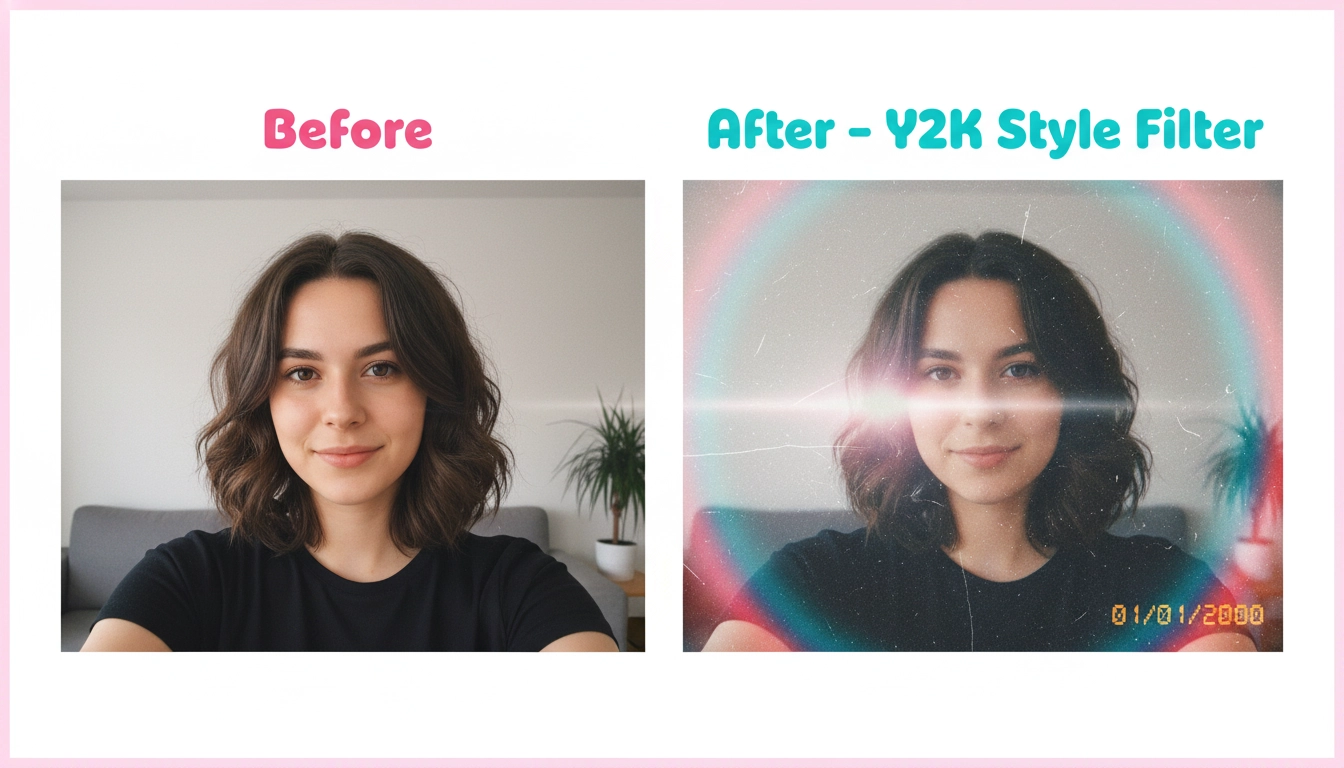
Style Transfer & Filters
Transform photos into oil paintings, anime style, vintage film looks, or professional studio lighting. Apply creative styles while preserving subject identity.
Commercial Use License
Every image you create on Seedance AI is yours to use commercially—in ads, merchandise, client work, and digital products. No royalties, no attribution required.
Frequently Asked Questions
Common questions about GPT Image 1.5 and how to get the best results.